Advanced Format Hard Drives–Automatically Patching WinPE 3.0 With The Microsoft Deployment Toolkit 2010 (MDT)
In order to support the new 4k advanced format drives, we need to apply a hotfix to WinPE 3.0.
First, download the hotfix (KB982018) here.
Once you have downloaded the hotfix and extracted the files, you should have 2 files. (One for each platform)

In your Deployment Workbench, create a new folder under the “Packages” node called “Windows 7”.
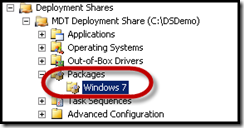
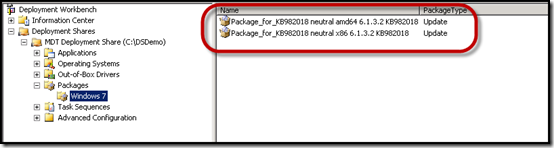
Import the hotfixes into this folder.
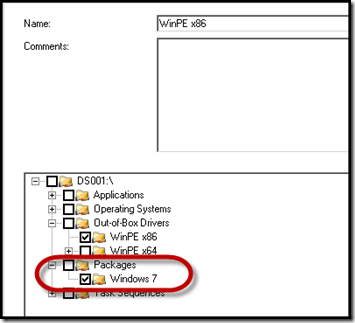
Add this folder to your Selection Profiles for WinPE. (It is highly recommend that you use a Selection Profile for driver injection for WinPE). Modify both your x86 and x64 Selection Profiles.
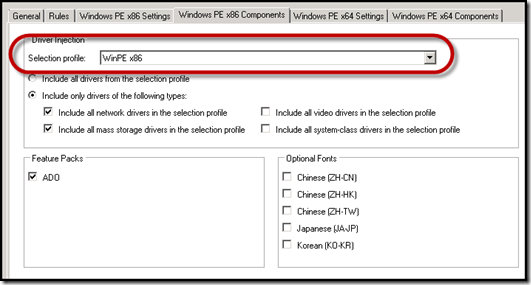
Ensure your boot images are configured to use the appropriate Selection Profile.
Update your Deployment Share to incorporate the hotfix into your boot images.
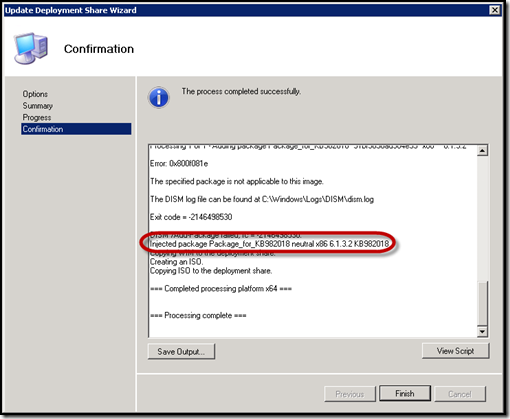
Enjoy your WinPE 3.0 Advanced Format ready boot images!